You make it.We finish it.
The post-production for your podcast, done. Record your show; Studiotake makes the cut, the shorts, the covers and the posts, so editing stops eating your weekend.
You approve, you don't edit. Flag a moment, say what is wrong, and it is made again.
Download for MacA Mac app, for Apple silicon and Intel. Your first episode is free. No card. With your own Claude, every episode is free.
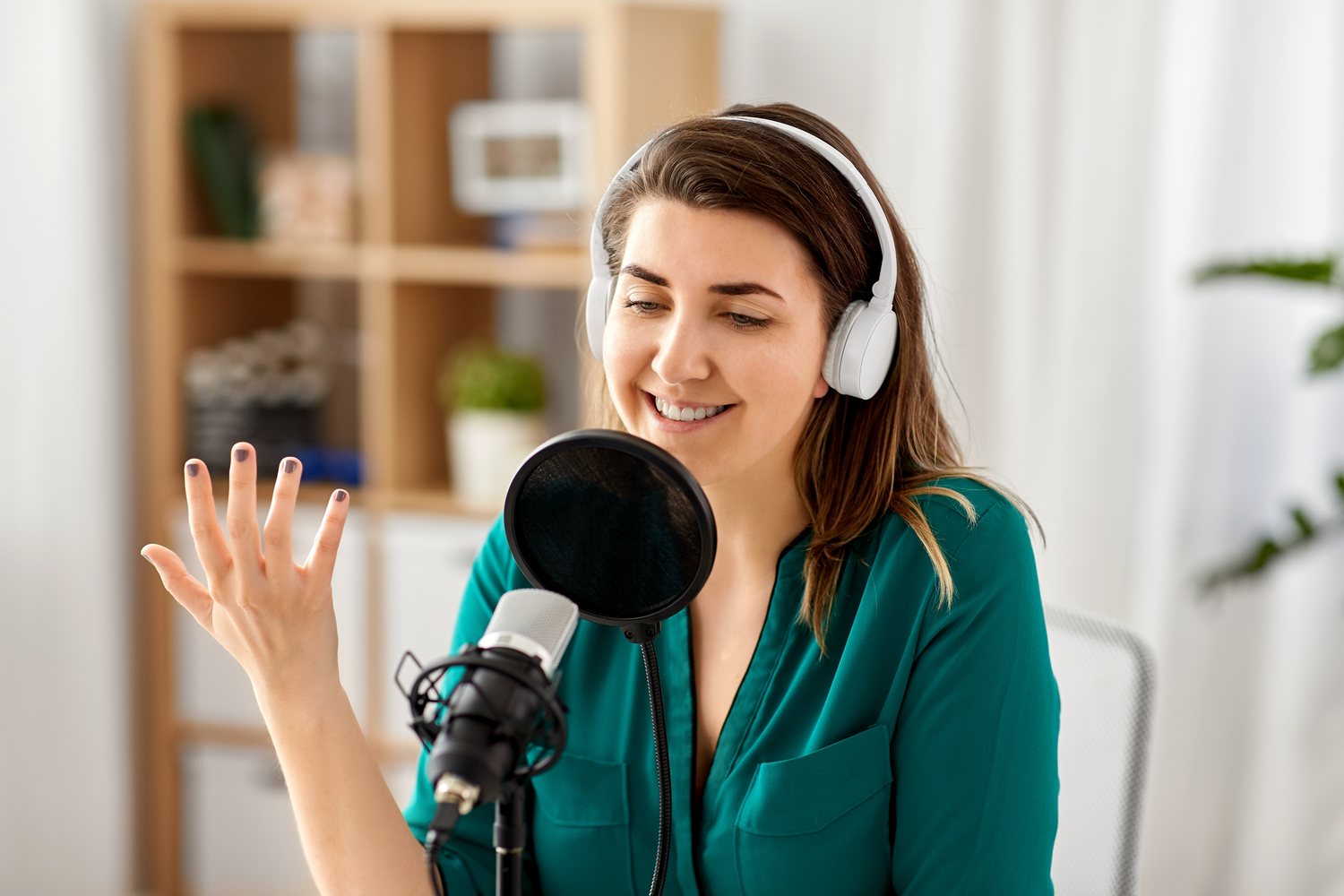
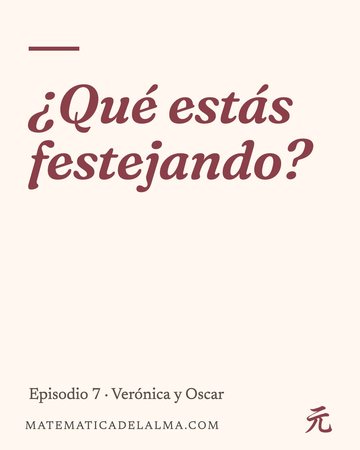
What are you celebrating?
Episode 7 · Verónica and Oscar
matematicadelalma.com
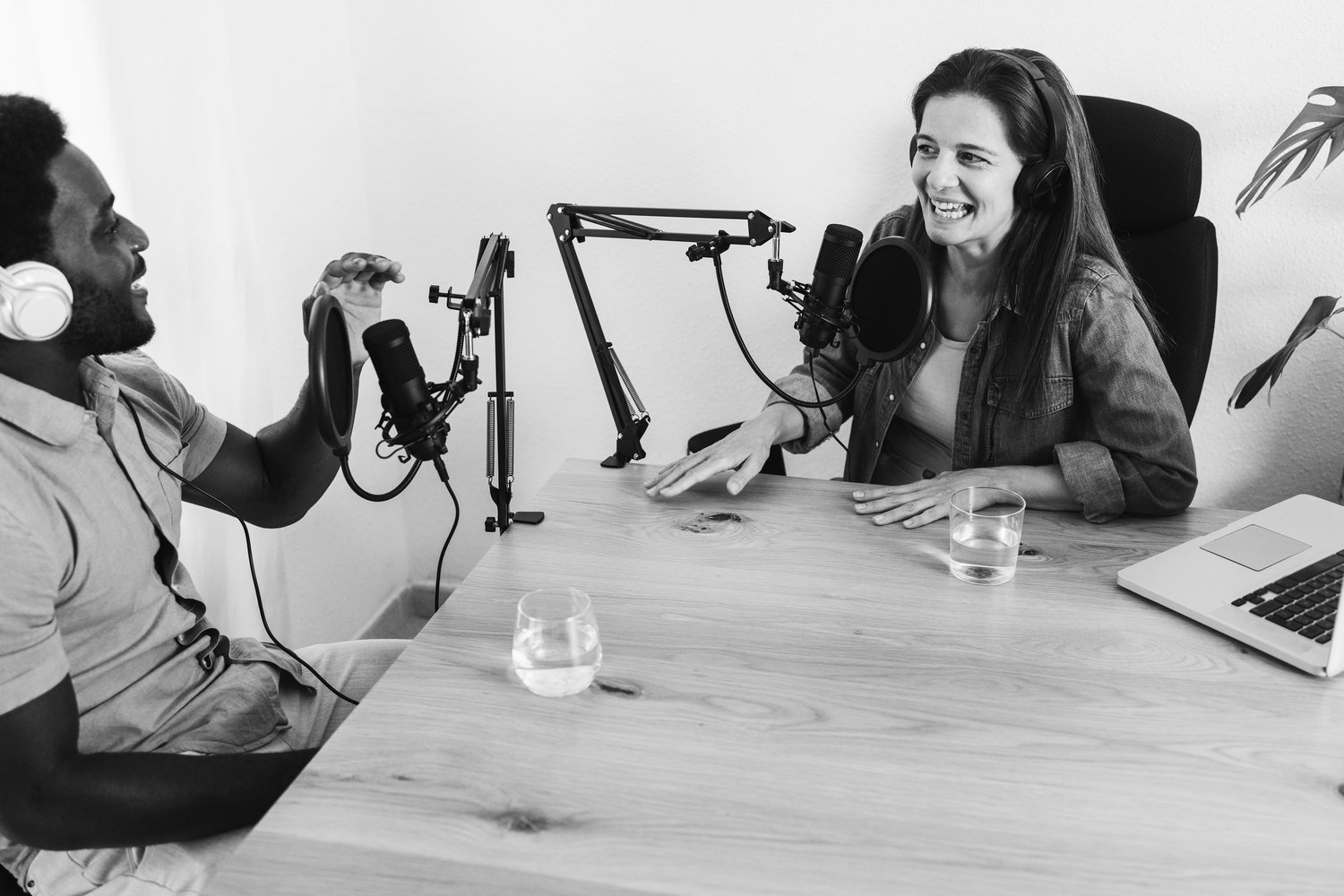
Drop.
Your files, from your phone, camera or microphone. A guest online too: their video and sound line up with yours.
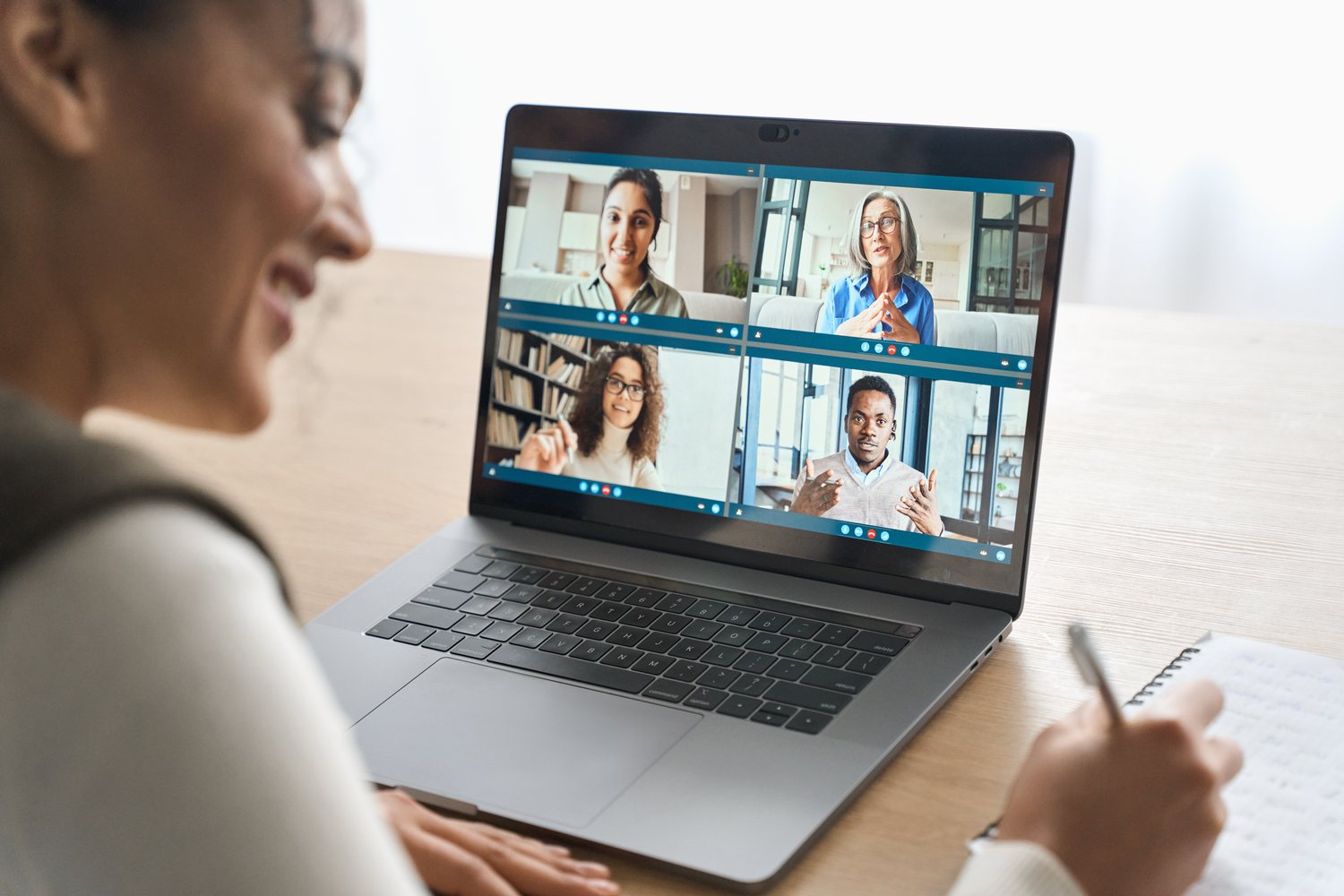
Approve.
The episode, cut, cleaned and finished. Watch it, and flag anything you want changed.

Schedule.
Pick the days. Your episode, shorts and posts go out by themselves.
- YouTube
- TikTok
- LinkedInSoon
All done for you.
No sound engineer, no editor, no designer. Before you see the episode, all of this is already done. You change only what you want to.
It cuts like an editor: the false starts, retakes and dead air are gone, and nothing is final until you approve.
The cut
False starts and off-topic chat out. Flag a moment and it is made again.
The sound
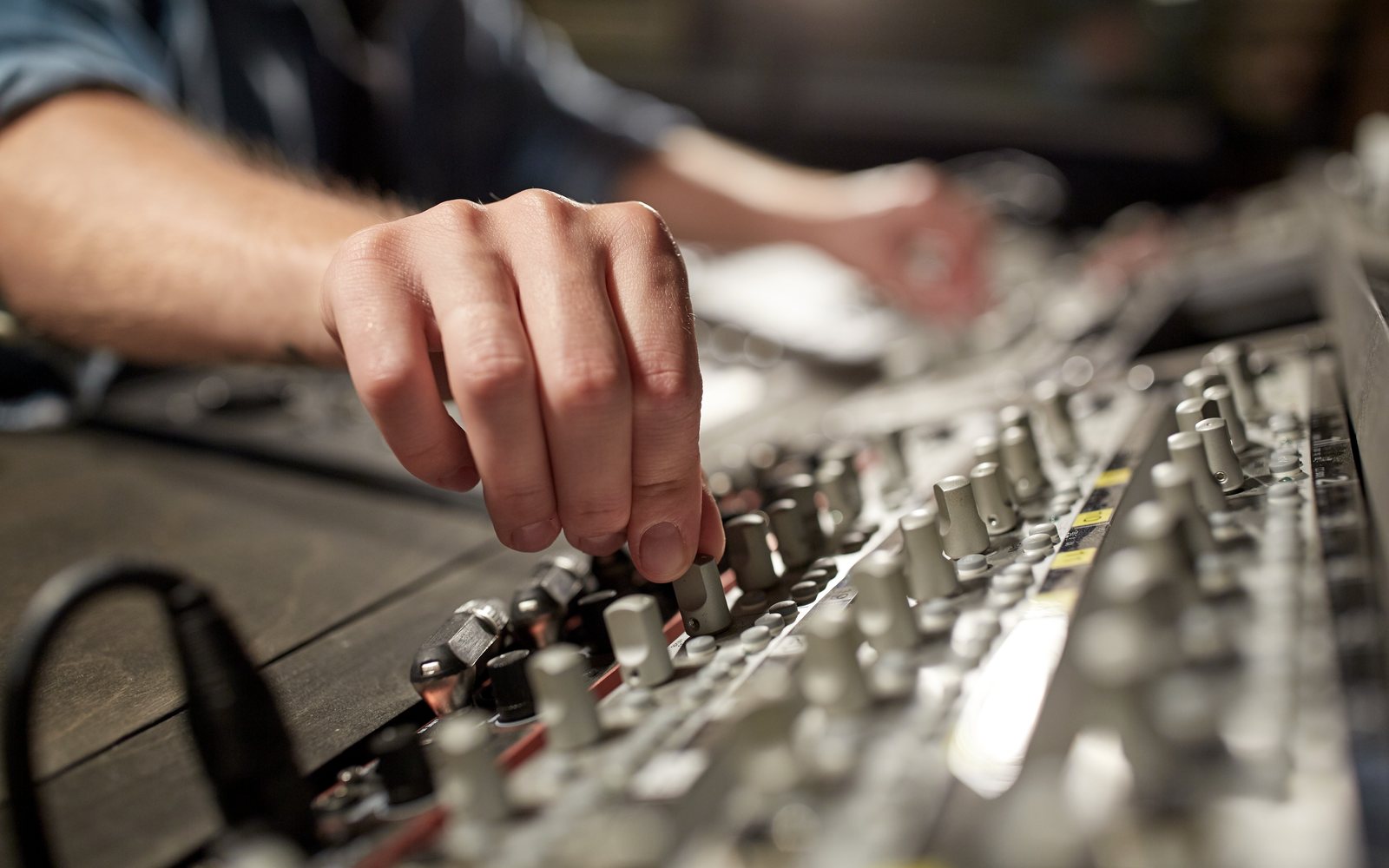
Clean and even. Background noise, knocks and sirens out.
The shorts
The best moments, cut and captioned. Up to one for every four minutes; you keep the ones you want.
The covers
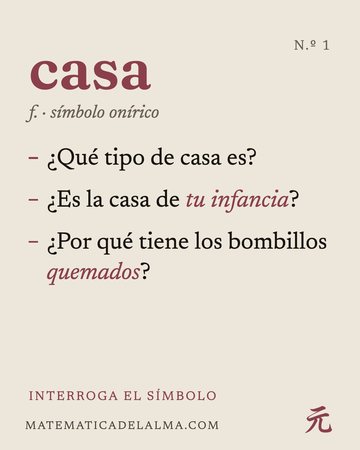
Your colours, your type, every time.
Also done: the titles and posts in your voice, the music for your opening, and the colour and light (beta).
Our own show
Live in a week. Nine episodes in a month.
Matemática del Alma is our own show. We had the content and no way to produce it. Studiotake finished every episode, and every short has its own cover.
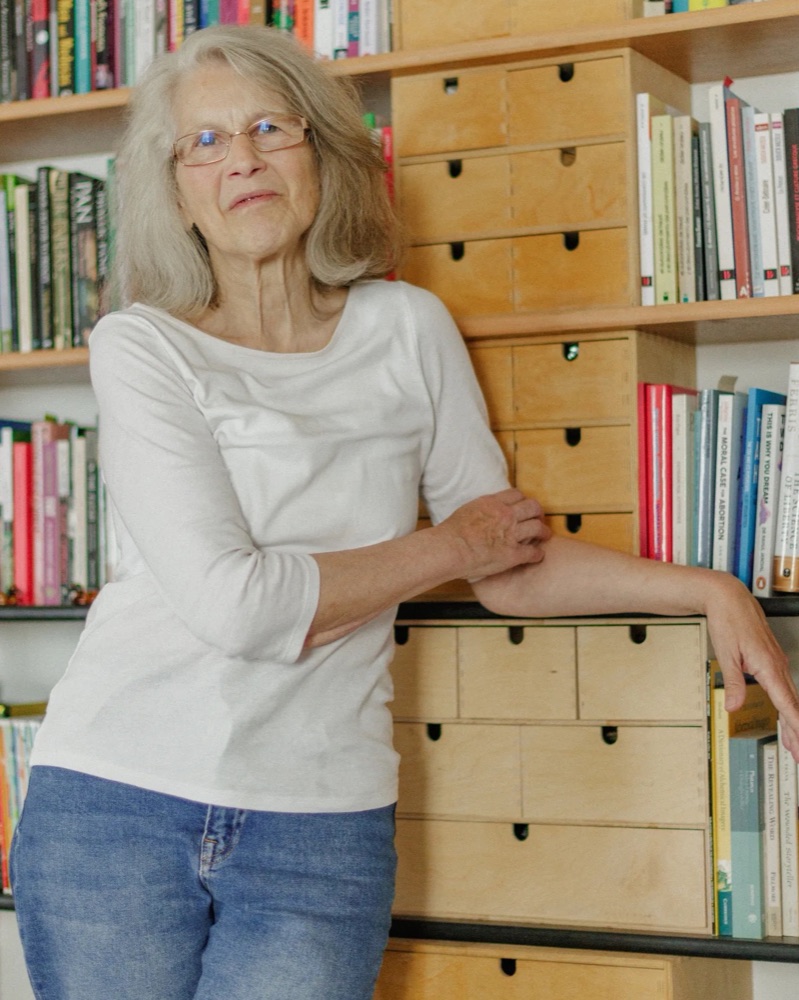
Before, I couldn't even imagine how to do it all. I was stuck. I had the content but no way to produce it. This is solved.

See it work
One recording in. The episode out.
96 seconds as recorded → 45 seconds finished. A real recording from our own show, Matemática del Alma, before and after Studiotake. The show is in Spanish.
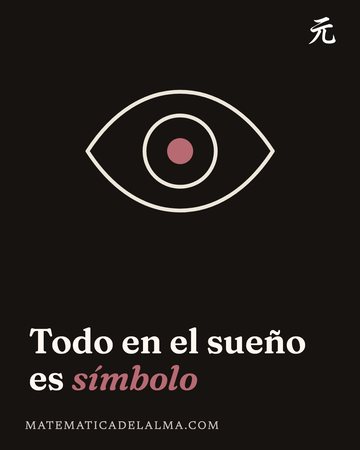
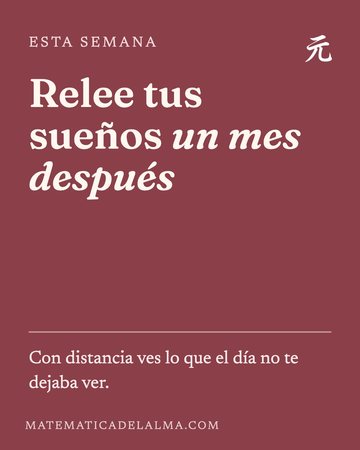
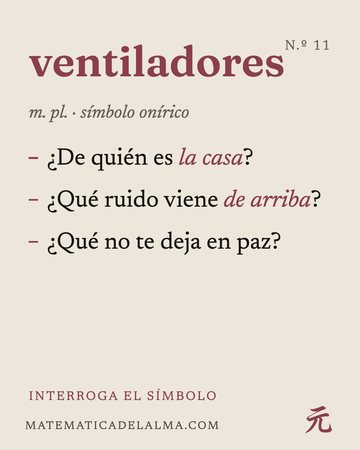
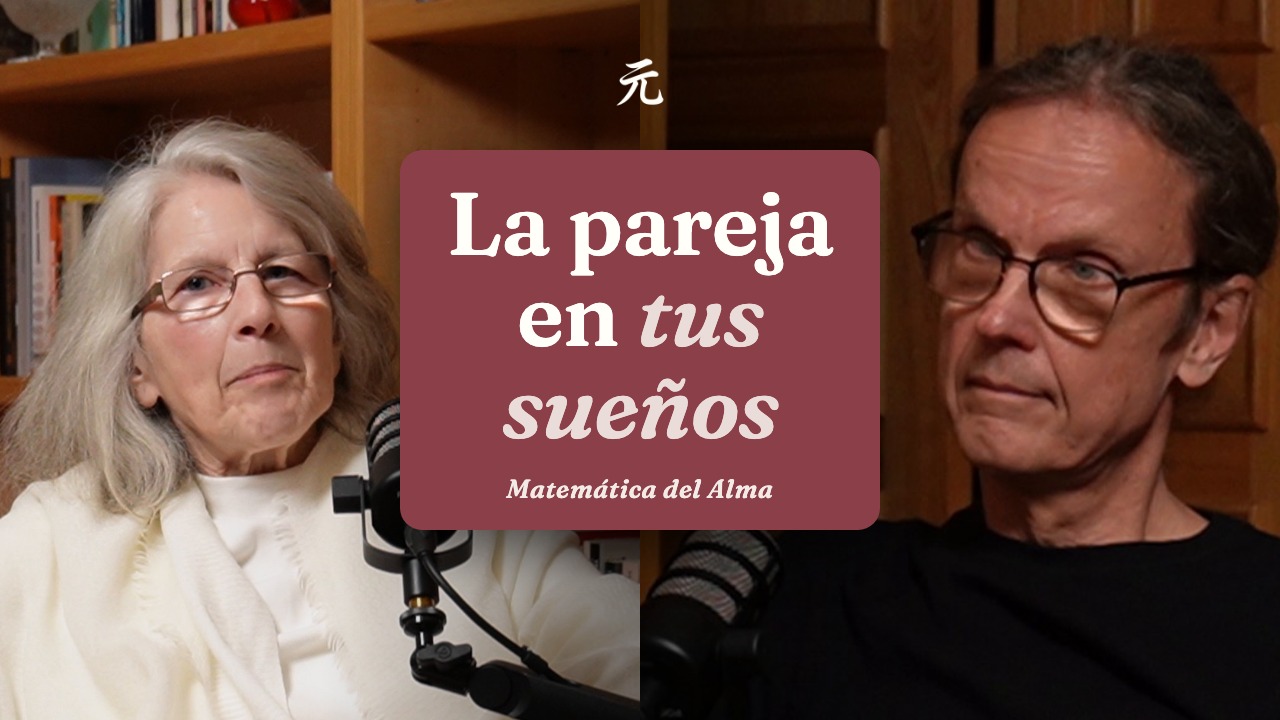
And from the same episode: its cover and two shorts
The episode is called “La pareja en tus sueños”. The app also cut two vertical shorts from it, subtitled them, and made each one a cover: the picture you see before you press play.
Make your first episode free Not on a Mac? Join the Windows list
Start free. Then one plan.
€19 + VAT a month · €22.99 incl. VAT in the EU
5 episode-hours a month: the cut, the sound, the shorts, the covers, the titles and the posts. Scheduled to YouTube, TikTok, Instagram and Facebook. Your brand on every cover, no Studiotake mark. A year costs ten months. Unused hours don’t carry over to the next month.
Start with Creator- €19Creator · 5 h
- €49Pro · 12 h
- €149Studio · 40 h
- €399Agency · 120 h
- €129Founding licence, once · first 500
Prices a month, excluding VAT. Extra hours: €35 for 10 h.
An episode-hour is one hour of finished episode, however many cameras recorded it. Producing for a studio or for clients? See Studiotake Pro. How do we compare with Eddie, Descript, OpusClip and Castmagic?
Questions
A Mac app that finishes what you record. You drop in your video and sound; it makes the edited episode, the shorts, the covers, the titles and the posts, and schedules them to your channels.
Yes. Your first episode is free, up to an hour, with all its shorts, covers and posts, and no card. Connect your own Claude and every episode is free. Its videos carry a small “Made with Studiotake” mark and a short credit at the end; choose a plan and make them again without it.
No. There is no timeline to learn. You get a finished episode to watch. If something should change, you flag the moment, say what is wrong, and it is made again.
Colour and light correction is in beta. Video background clean-up is coming. Tell us which one you need first.
Yes. Give it your website and it picks up your logo, colours and type, or add them yourself. Every cover, caption and title uses them, and you can change them any time.
A phone, a camera, a microphone or a recorder, in any mix. A guest who joins online through Zoom or Riverside becomes one more camera and microphone, lined up with yours.
Your recordings and your edits stay on your computer. A finished video you schedule for YouTube goes straight from the app to YouTube. One you schedule for TikTok, Instagram or Facebook waits on our server, in the EU, until it is posted, then it is deleted. To write the cut, the titles and the posts, parts of the transcript pass through our server to the AI provider. Our server does not store them; the provider keeps requests for up to 30 days and does not train on them.
YouTube, on the dates you pick: the episode, the shorts, the titles, descriptions and chapters. Shorts also go to TikTok, Instagram and Facebook.
English, Spanish, Portuguese, French, German, Italian, Catalan and Dutch. The episode, the captions, the titles and the posts are in the language you speak.
One hour of finished episode, however many cameras and microphones recorded it. A weekly one-hour show uses about 4 to 5 episode-hours a month.
No. Studiotake makes the finished video itself. Studios that want to keep their editor in DaVinci Resolve can use Studiotake Pro.
It runs on a Mac today, on Apple silicon and Intel. We're working on Windows.
Questions, or not on a Mac?
Tell us what you make, or ask anything. We'll write back within two working days.
How Studiotake uses YouTube
Studiotake is a Mac app that turns a podcaster's own recordings into a finished episode, shorts, covers and post copy, and publishes them to the creator's own channels. When you connect a YouTube channel, Studiotake uses the YouTube Data API only to upload the videos you approved, at the time you scheduled, and to set their titles, descriptions, captions, thumbnails and playlists. It reads only your channel's name, the names of your playlists, the caption languages and the status of the videos it uploaded.
Studiotake edits real recordings you made. It does not generate images or video of people, and it never creates or publishes sexual, intimate or non-consensual imagery. It does not use Google APIs or Google user data for that or to train AI models. Our use of Google data follows the Google API Services User Data Policy, including the Limited Use requirements, and is described in our privacy policy.